Call center software for your Ethio Telecom SIP trunk
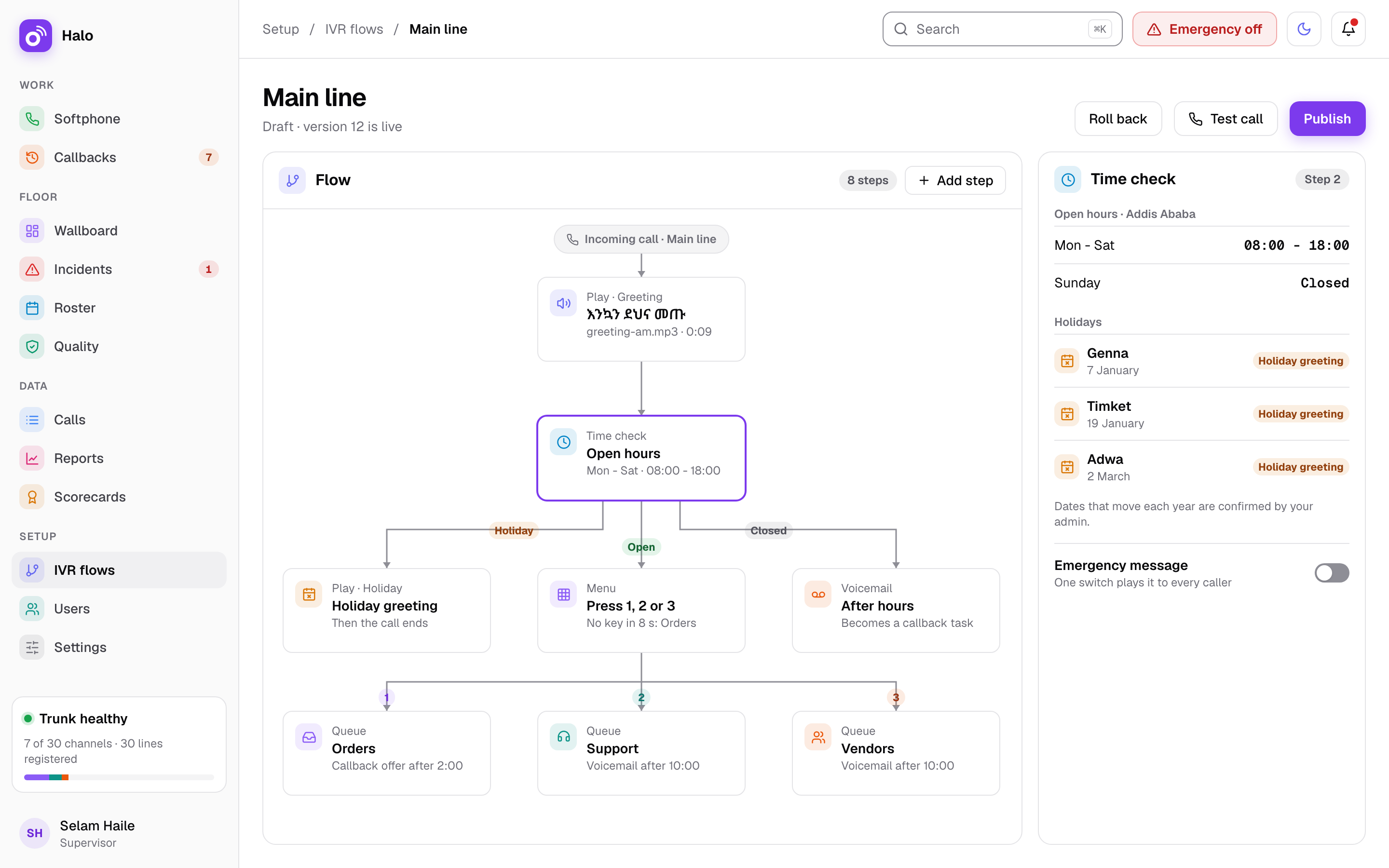
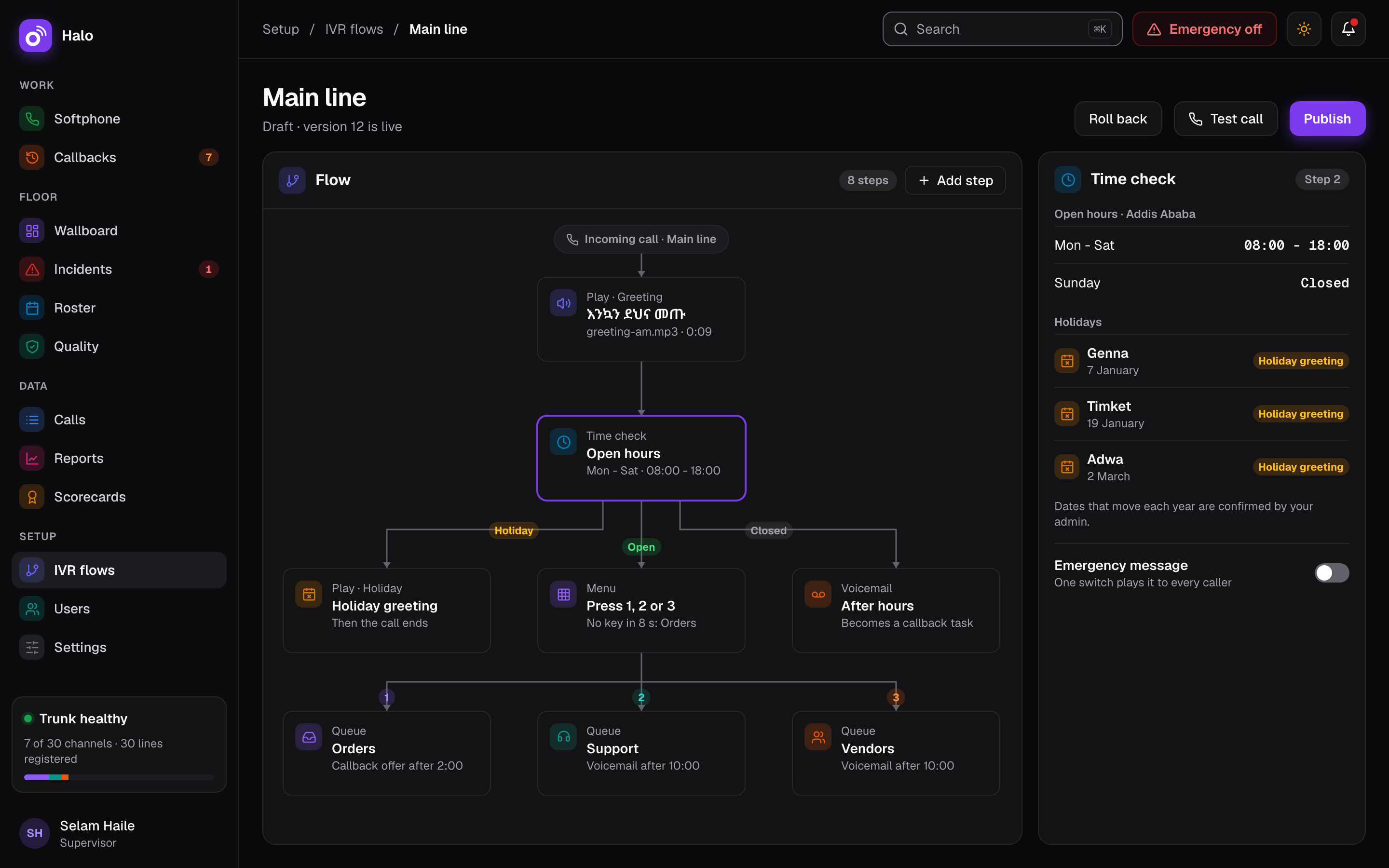
Halo is built for Ethio Telecom's SIP trunk: many registered lines, inbound calls identified by IP, caller ID set to your trunk's numbers and a channel reservation for agents. The trunk reaches your server over a private link from Ethio Telecom; Skynet arranges and tests it during setup.
Ethio Telecom's SIP trunk reaches your Halo server over a private link, which Skynet arranges and tests during setup. Halo registers many line identities on the one trunk, identifies inbound calls by the trunk's IP address and sets caller ID to your trunk's numbers. A channel reservation keeps some channels for automatic calls, so they never block agents. The line and channel counts shown are an example; your numbers depend on your Ethio Telecom trunk.
SIP trunk
What you need from Ethio Telecom
SIP is the standard behind internet calling, often called VoIP. A SIP trunk brings your business numbers to a server instead of to a desk phone, and Halo is the call center software on that server. Our guide on how to get an Ethio Telecom SIP trunk explains who to call, what to ask and what to check after delivery. For the current document list and prices, ask Ethio Telecom’s enterprise team.
One trunk per install
Calls at once and numbers
Halo uses one SIP trunk per install in v1, and that trunk carries both inbound and outbound calls. More than one SIP trunk is not part of v1.
On that trunk, Halo works with many registered line identities. Inbound calls are identified by IP, and the caller ID on outbound calls is set to your trunk’s numbers, so customers see your number.
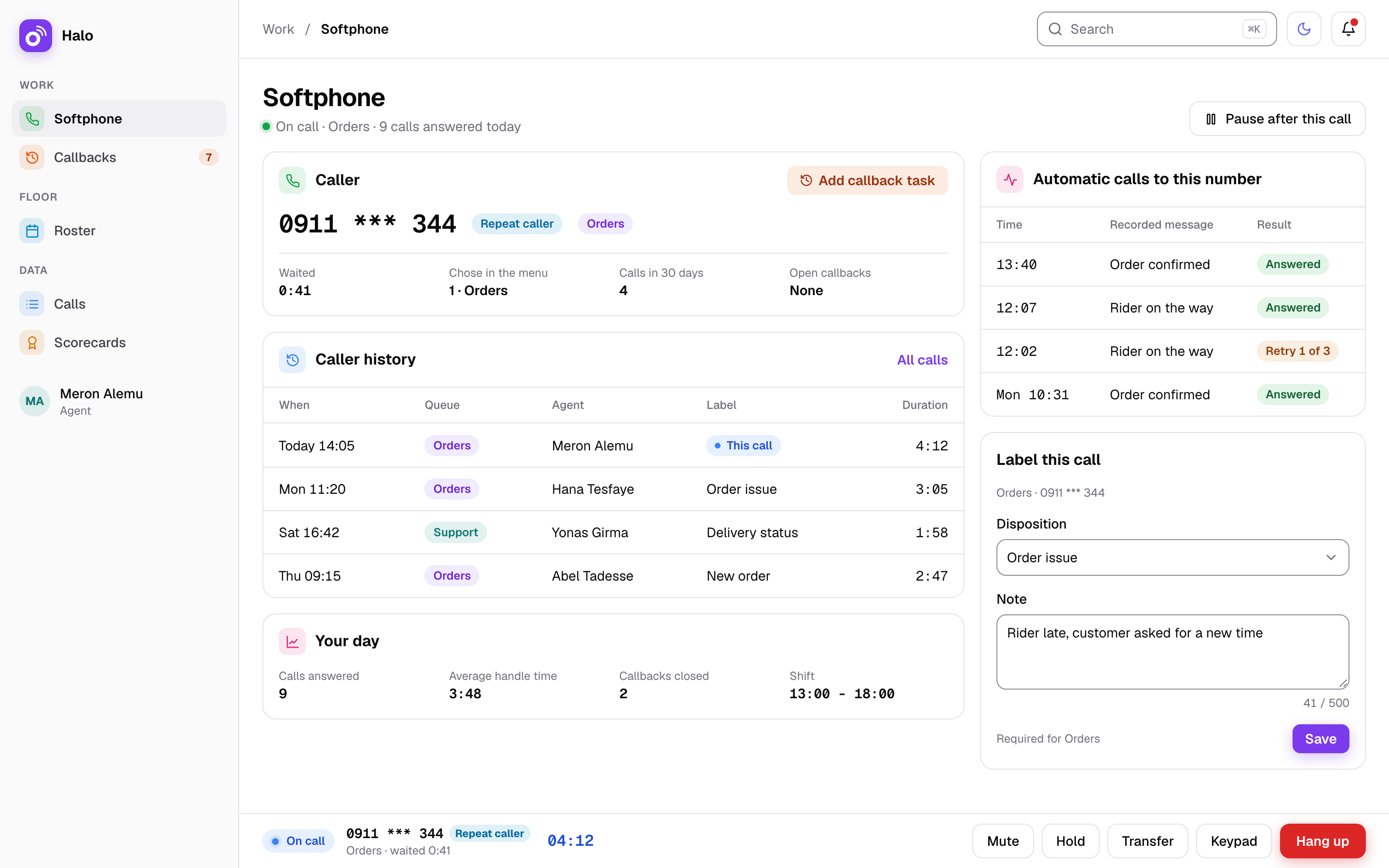
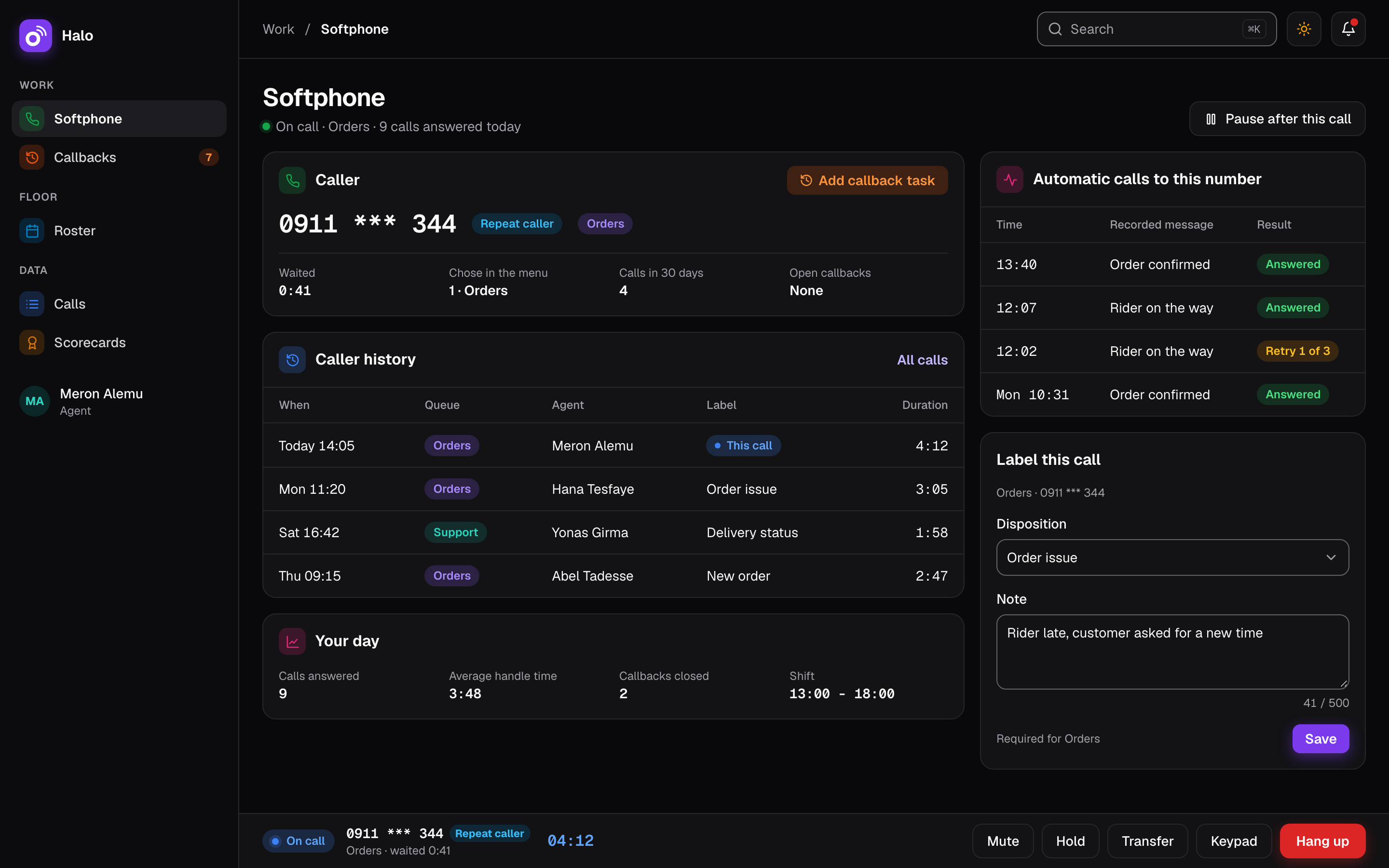
Automatic calls and agent calls share the same trunk. A channel reservation keeps lines free for agents, so automatic calls never block them. Reminders can go out while your agents keep answering the “Orders” and “Support” queues.
Skynet VISP
Who sets it up
Skynet VISP does, during setup. The trunk reaches your Halo server over a private link from Ethio Telecom, and Skynet arranges and tests it.
Setup covers the install and licence with backups, the Ethio Telecom SIP line connected and tested, your first voice menu, queues, users and opening hours, and hands-on training in Addis Ababa. Your first voice menu is built as part of that setup.
Facts
- Trunk profile
- Built for Ethio Telecom SIP trunks: many registered line identities, inbound calls identified by IP, caller ID set to your trunk's numbers
- Agent lines
- Channel reservation so automatic calls never block agents
- Trunks per install
- One in v1, shared by inbound and outbound calls
- Ethio Telecom service
- SIP for businesses, over VPN and internet connectivity, postpaid
- Connection
- Private link from Ethio Telecom to your server, arranged and tested by Skynet
- Setup
- SIP line connected and tested, first voice menu, queues, users, hours and training
Questions about the Ethio Telecom SIP trunk
Do we order the SIP trunk ourselves?
Yes. The SIP service is an Ethio Telecom product, and Ethio Telecom bills it to you. Once you have it, Skynet arranges the private link to your Halo server and tests the trunk during setup. Our guide explains how to order it.
Can we use more than one trunk?
Not in v1. Halo uses one SIP trunk per install, shared between inbound and outbound calls. More than one SIP trunk is outside the first version.
Which voice menus run on the trunk?
The menus you build in Halo’s IVR builder, with your own recordings in Amharic or any language. See IVR and Amharic voice menus for how menus are built, published and rolled back.
Which number do customers see when we call them?
Your own. Halo sets the caller ID on outbound calls to your trunk’s numbers, so customers see the number of your business when an agent or an automatic call reaches them. The same applies to calls agents make from the browser softphone.
What does Halo support on an Ethio Telecom trunk?
Halo is built for Ethio Telecom SIP trunks: many registered line identities, inbound calls identified by IP, caller ID set to your trunk’s numbers, and a channel reservation so automatic calls never block agents. Skynet tests the trunk with Halo during setup.
Related features
Where this matters most: Government and public. See how Halo is priced on the pricing page.