Call recording system you can search and trust
Recordings only help if you can find the right call and know who listened to it. Halo's call recording system records agent calls by default, makes them searchable and logs every play, on a server for your company alone.
Call recording
What you get
Halo records agent calls from the first day, keeps them for as long as you decide and tells you when something is wrong. Access is limited to the roles you allow.
Agent calls recorded by default
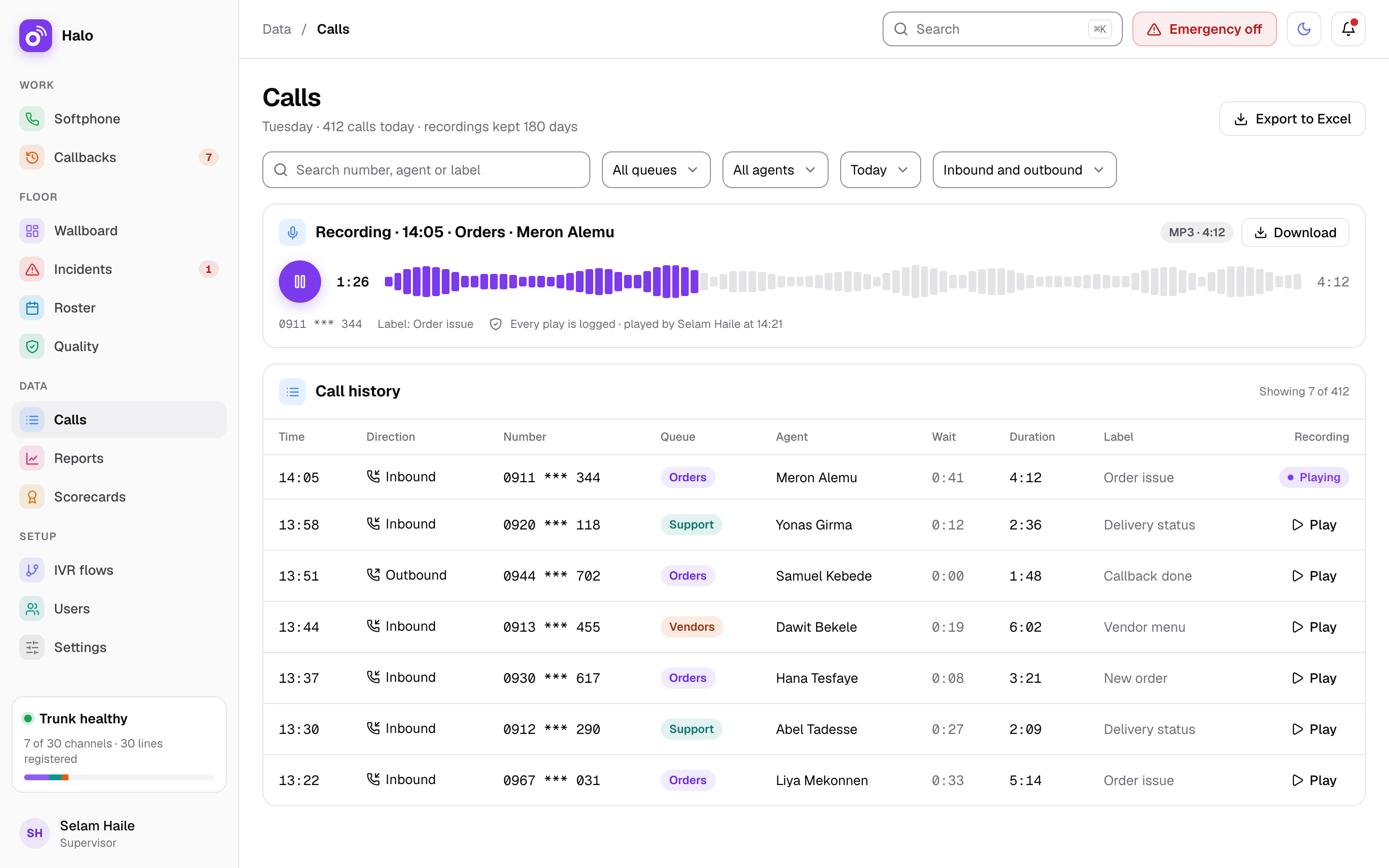
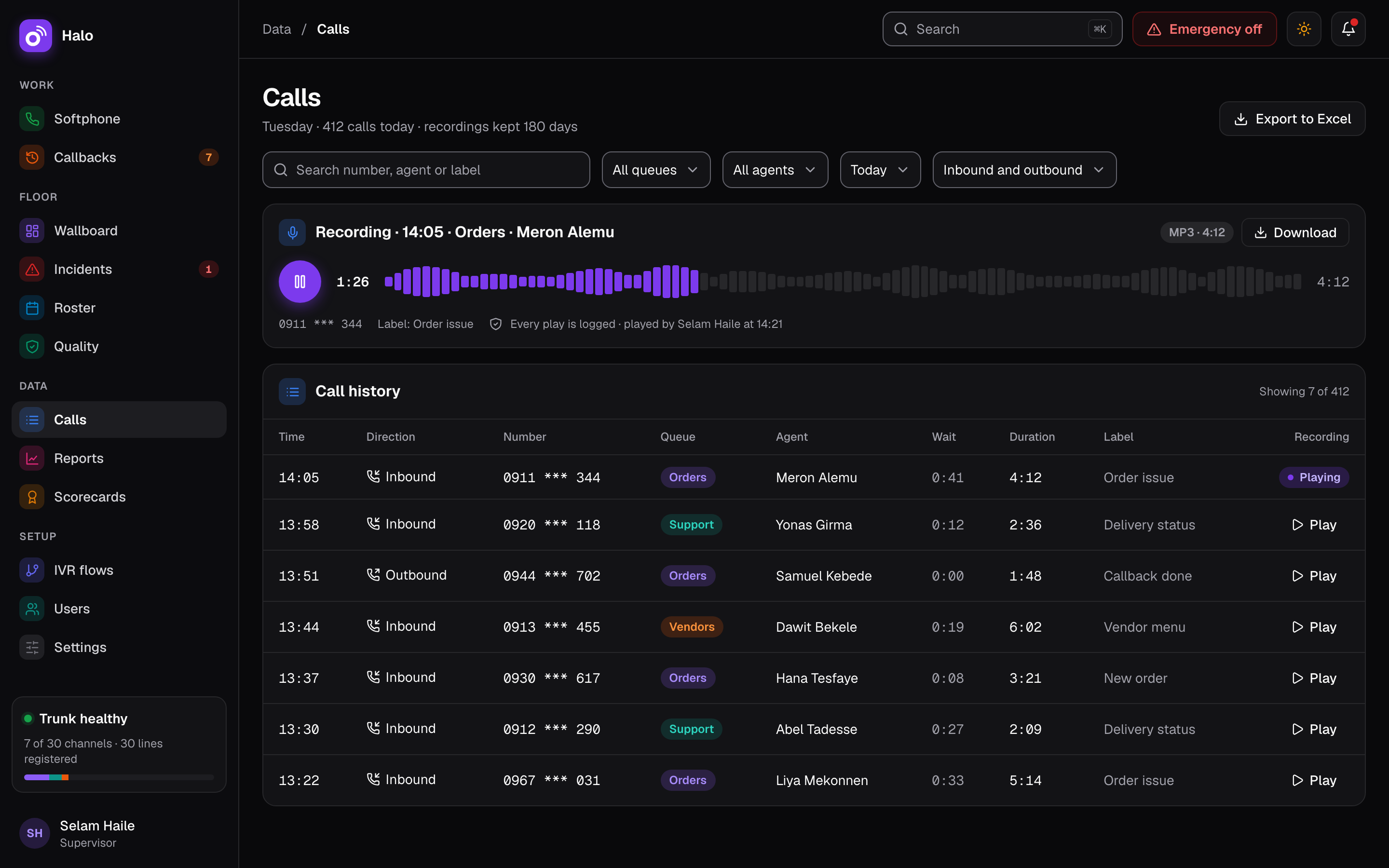
Every agent call is recorded as MP3 by default. Nobody has to remember to press record.
Search and play
Recordings are searchable from the call history, which is kept in Halo’s own database on your server. Find a call by its details and play it in the browser.
Kept for the days you set
You decide how many days recordings are kept. Halo keeps them for that long.
Protection when the disk fills
If the disk reaches 95%, the oldest recordings are deleted with a critical alert. Recordings from the last 7 days are never deleted this way.
An alert for a missing recording
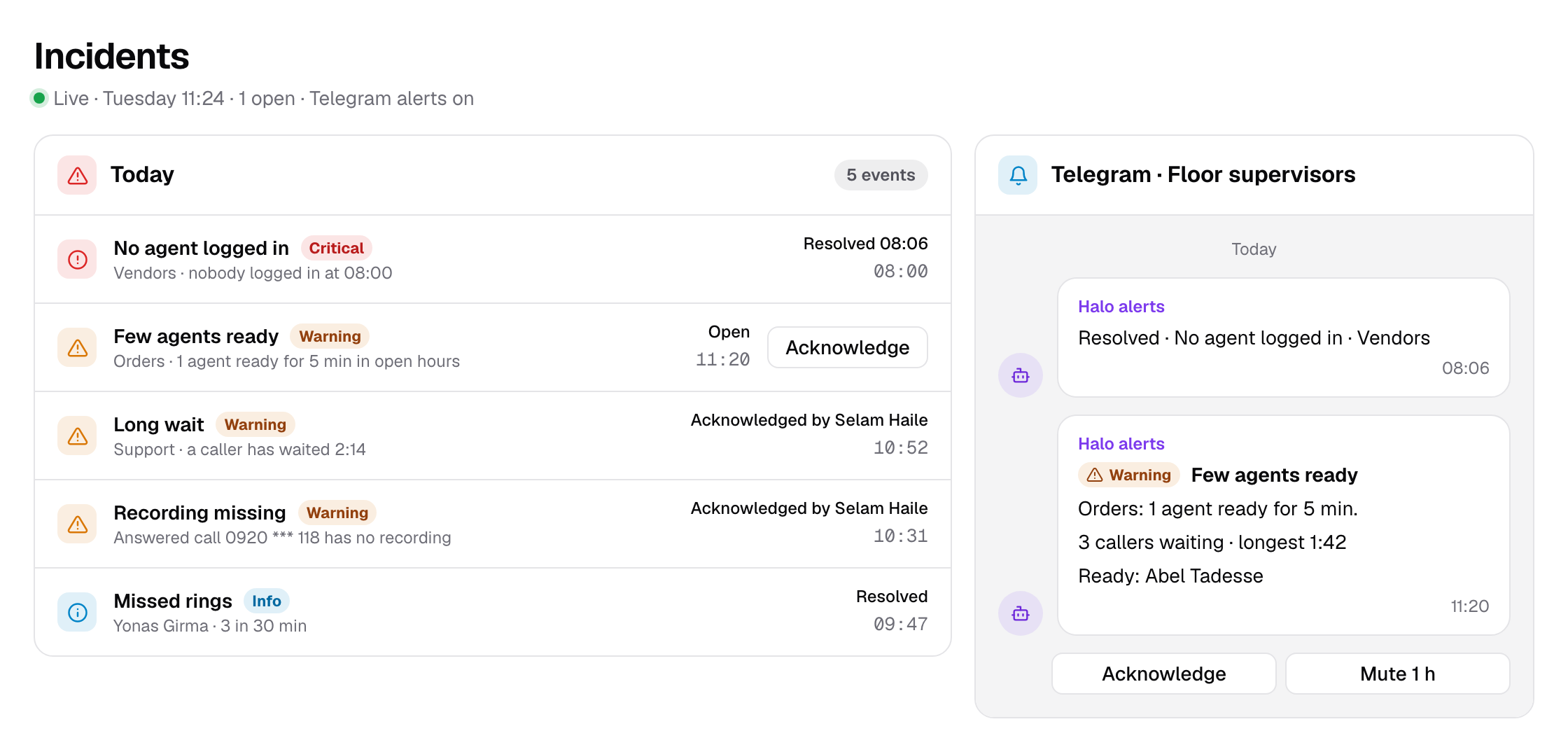
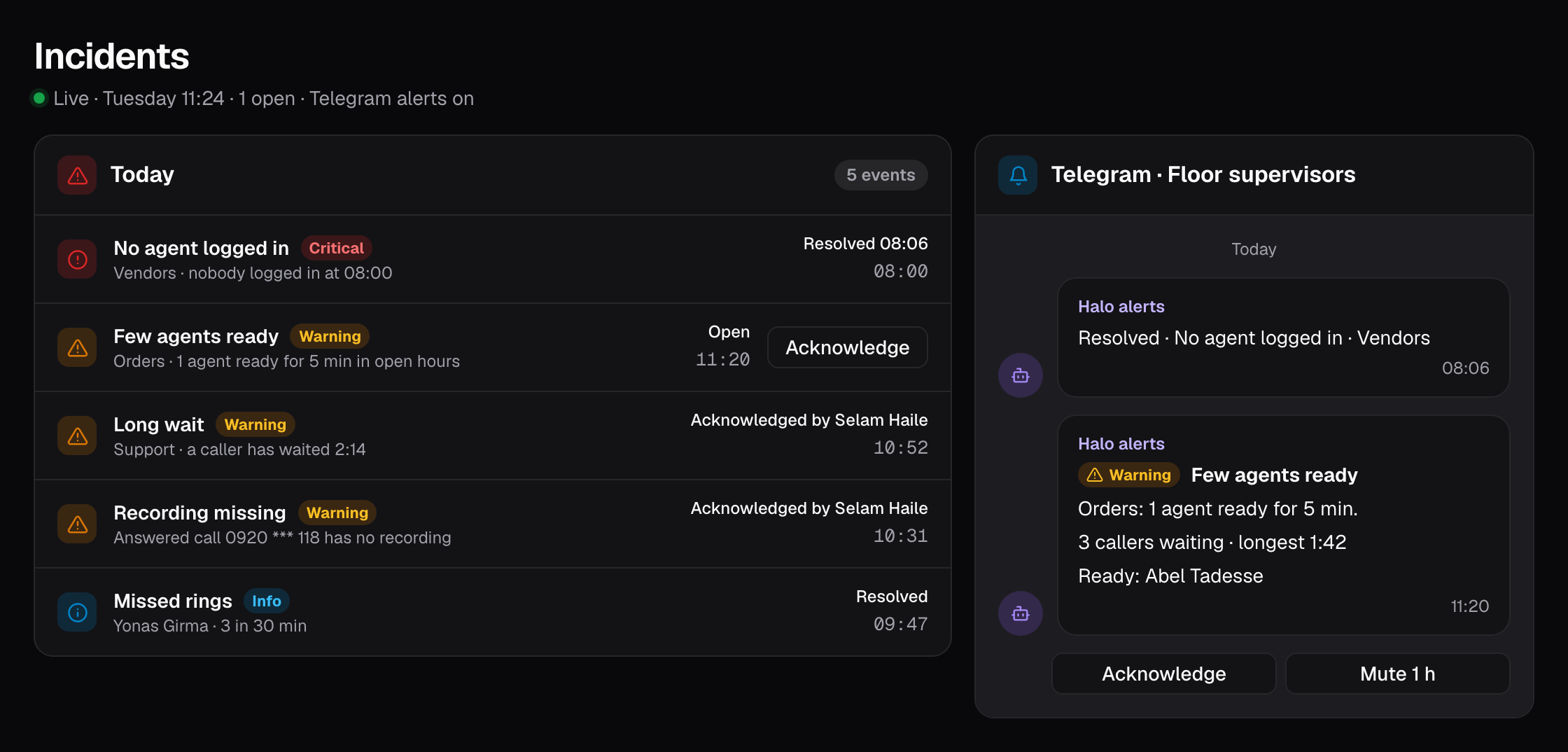
If an answered call has no recording, an alert fires. A gap is found early, not on the day you need the recording.
Only the right roles can listen
Recordings can be played and downloaded only by the roles allowed to, and every play is logged.
How it works on a busy day
On Tuesday morning a customer calls “Support” about a delivery made on Saturday. He says the agent promised a free return. Selam Haile, the supervisor, opens the call history and searches for the customer’s number, 0913 *** 552.
She finds Saturday’s call, handled by Yonas Girma, and plays the recording. Yonas offered an exchange, not a free return. Selam calls the customer back with the facts. Halo logs that she played the recording.
Later that day an agent asks to hear the same call. His role is not allowed to play recordings, so he asks Selam instead. The play log shows who listened, and when.
At the end of the month the disk on the Halo server is filling up faster than planned. At 95%, Halo deletes the oldest recordings and sends a critical alert. Selam asks Skynet about a larger disk, and nothing from the last 7 days was touched.
Facts
- What is recorded
- Agent calls, by default
- Format
- MP3
- Retention
- The number of days you set
- Disk at 95%
- Oldest recordings deleted with a critical alert; never from the last 7 days
- Missing recording
- Alert when an answered call has no recording
- Who can listen
- Only the roles allowed to; every play logged
- Call history
- Kept on your server; not deleted automatically in v1
Questions about call recording
Are all calls recorded?
Agent calls are recorded by default as MP3 files. Recording starts without anyone pressing a button, and if an answered call ends up with no recording, Halo fires an alert so you can look into it.
How long are recordings kept?
For the number of days you set. If the disk reaches 95% before then, the oldest recordings are deleted with a critical alert, so you know it happened. Recordings from the last 7 days are never deleted this way.
Who can listen to recordings?
Only the roles you allow can play and download recordings, and every play is logged. You can see who listened to a call and when. Read more about how Halo protects call data on the security page.
Is call history deleted after a while?
No. Call history is kept in Halo’s own database on your server, and v1 does not delete call records automatically. Recordings follow the retention you set, but the record of each call stays.
Where are the recordings stored?
On a server for your company alone, yours or one from Skynet. Calls, recordings and history are kept on it, with encrypted nightly backups on a second server in Ethiopia.
Related features
Where this matters most: Banks and microfinance. See how Halo is priced on the pricing page.