Migrate from Issabel to Halo, step by step
Moving a working phone line all at once puts every call at risk on the day of the switch. To migrate from Issabel to Halo, Skynet moves you in stages and keeps Issabel ready to switch back until you confirm.
Step by step
The steps
This is the approach Skynet uses.
Install Halo next to Issabel. Both systems run side by side. Your callers still reach Issabel.
Move automatic calls first. Reminders and other automatic calls go to Halo before any line your customers call.
Then one number or queue. One number or queue moves to Halo, so your team gets used to it on a small share of calls.
Then the main line. When that first step works as planned, the main line moves to Halo.
Keep Issabel ready to switch back. Issabel stays ready until you confirm that everything works on Halo.
What we set up again in Halo
These are set up again in Halo:
-
Users and extensions, for every agent, supervisor and admin.
-
Queues, with their hold music, position announcements and callback offer.
-
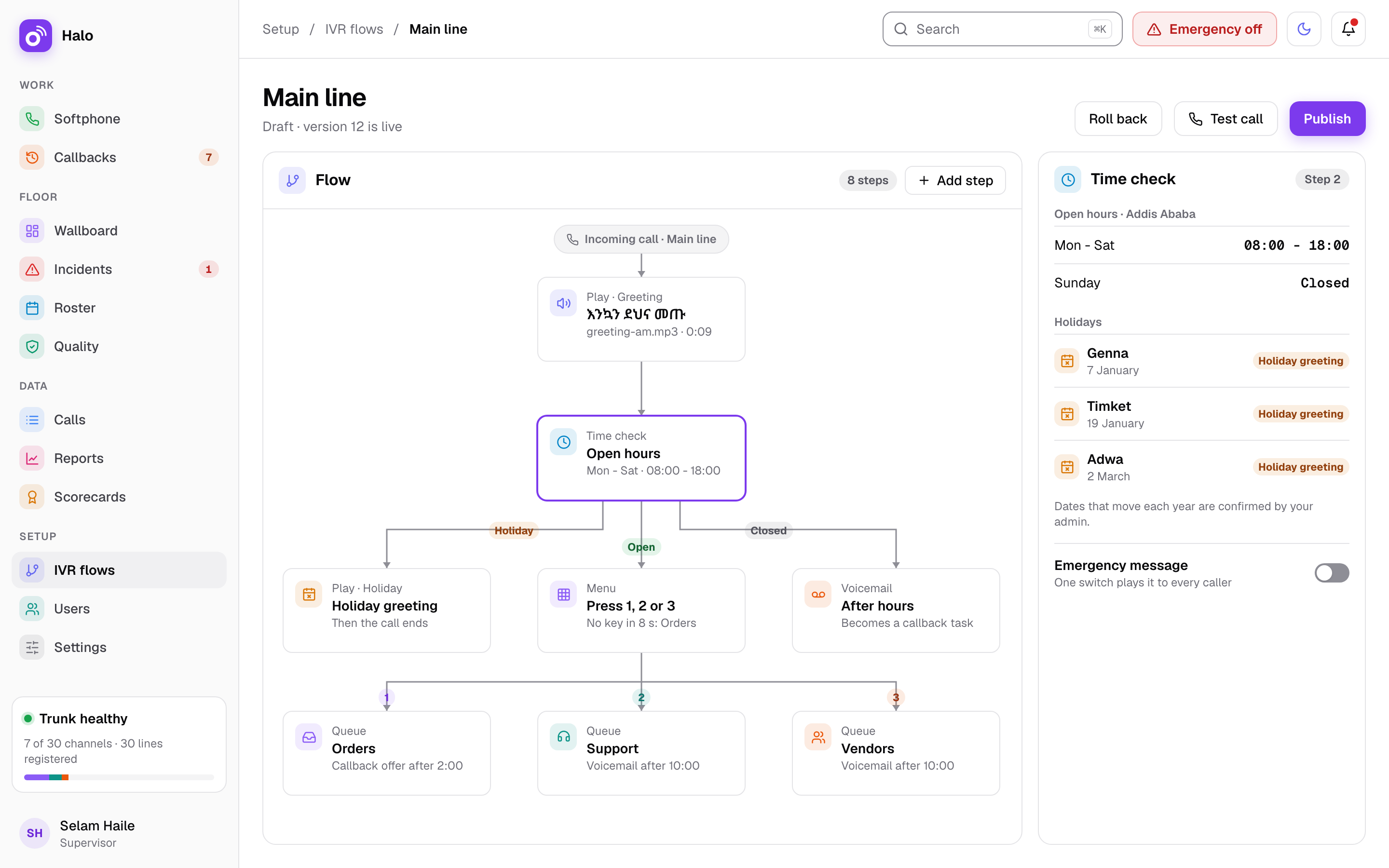
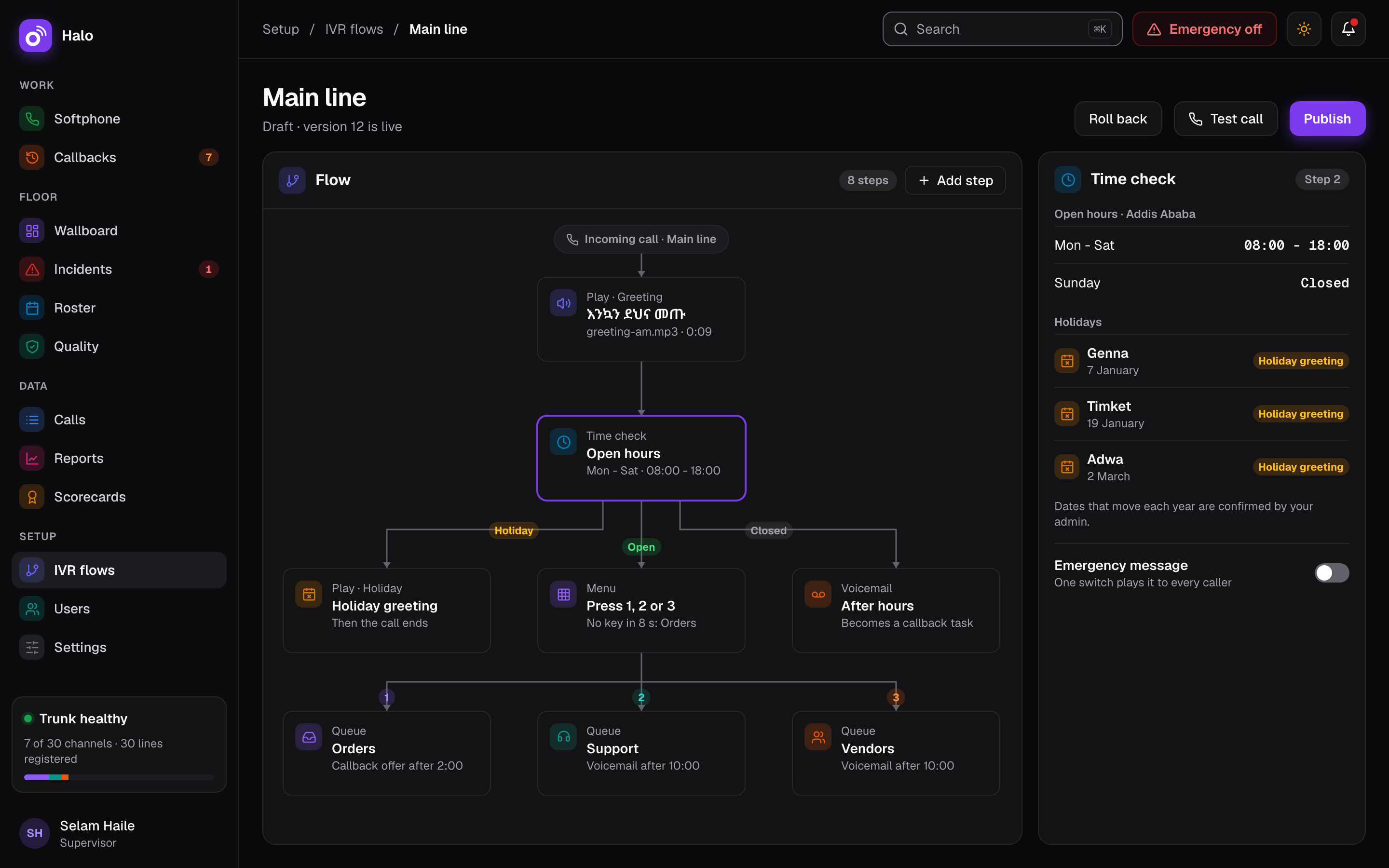
Voice menus, rebuilt in Halo’s IVR builder from simple steps, then published.
-
Prompts, uploaded again as MP3, WAV, OGG or M4A files, in Amharic or any language.
Rebuilding the voice menus is also a good moment to check them. See IVR and Amharic voice menus for how the builder works.
What changes
-
Call history is not imported. From the day each line moves, new calls are kept in Halo’s own database on your server.
-
Your SIP line moves to the new server. Ethio Telecom connects your SIP line to the new Halo server over a private link, and Skynet arranges and tests it.
Skynet VISP
Who does it
Skynet VISP plans the move with you, from the first install to the day you confirm. How long it takes depends on your lines, queues and menus, so Skynet sets the dates with you rather than promising a fixed time.
For a neutral look at where Issabel stands and the options you have, read our guide Issabel in 2026: what changed and your options. To compare the two systems, see Halo as an Issabel alternative.