Call center wallboard: see your floor live
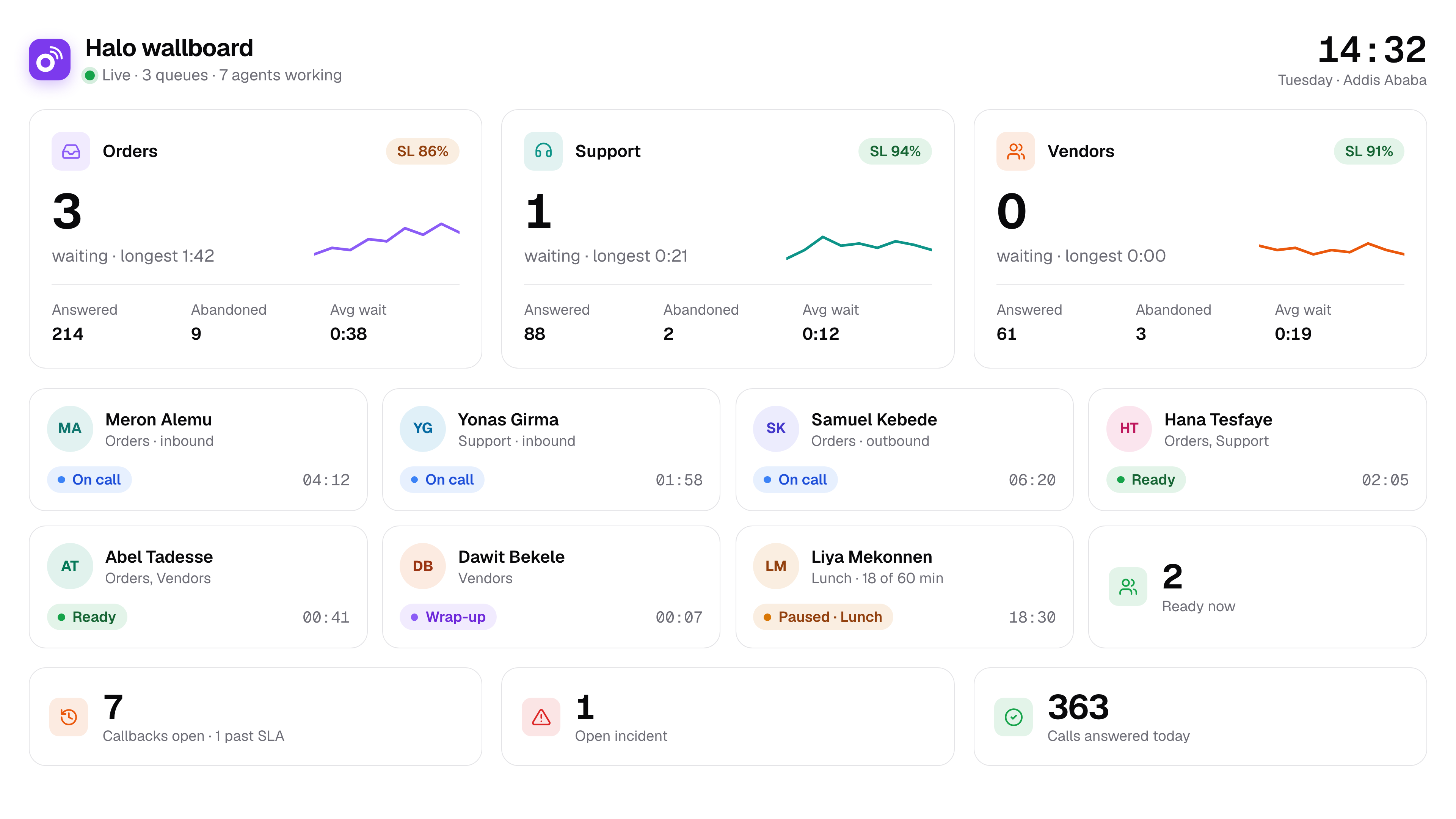
A supervisor cannot fix a queue they cannot see. Halo's call center wallboard shows the whole floor live, from callers waiting to every agent's state, and changes show within 2 seconds.
Live wallboard
What you get
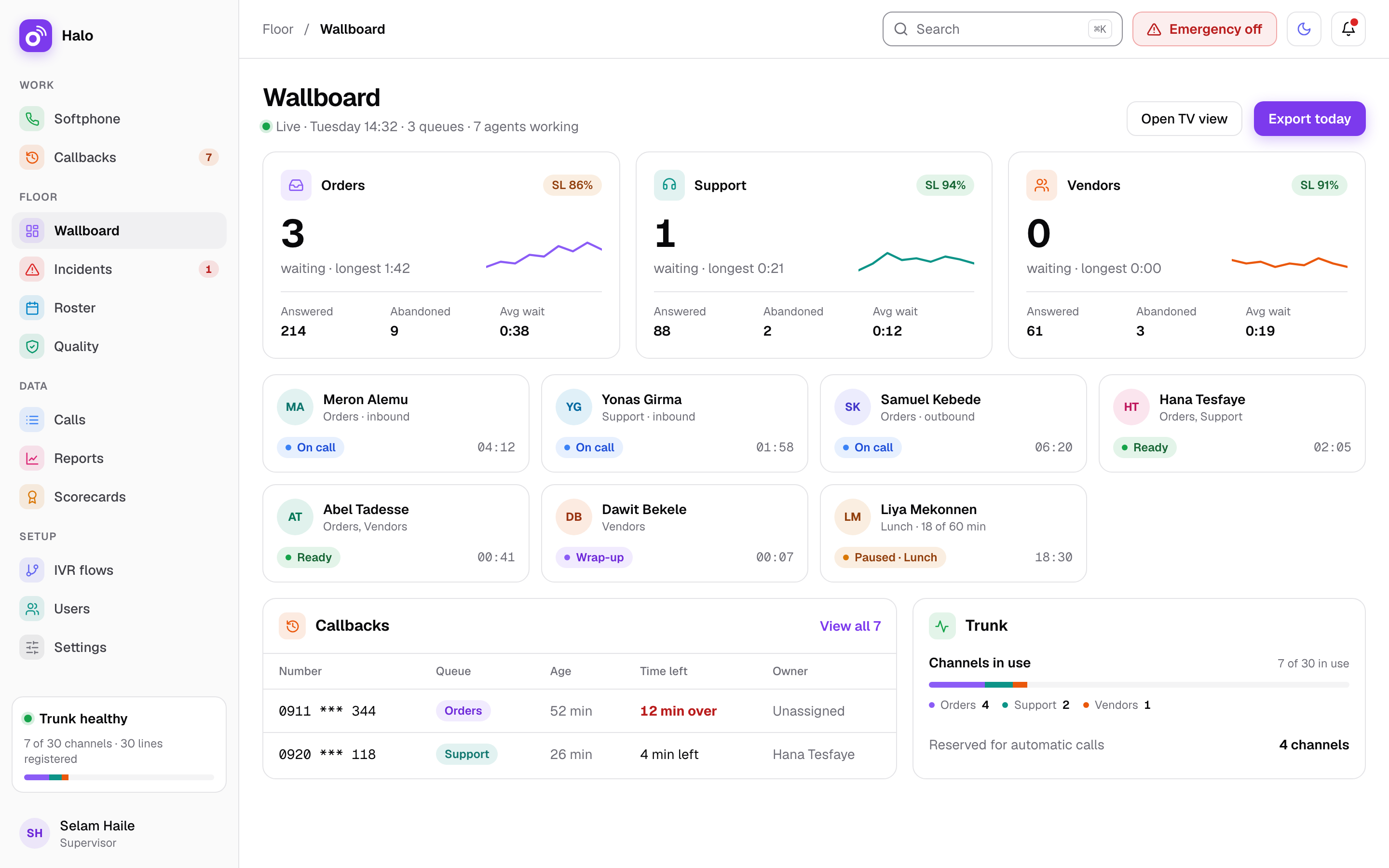
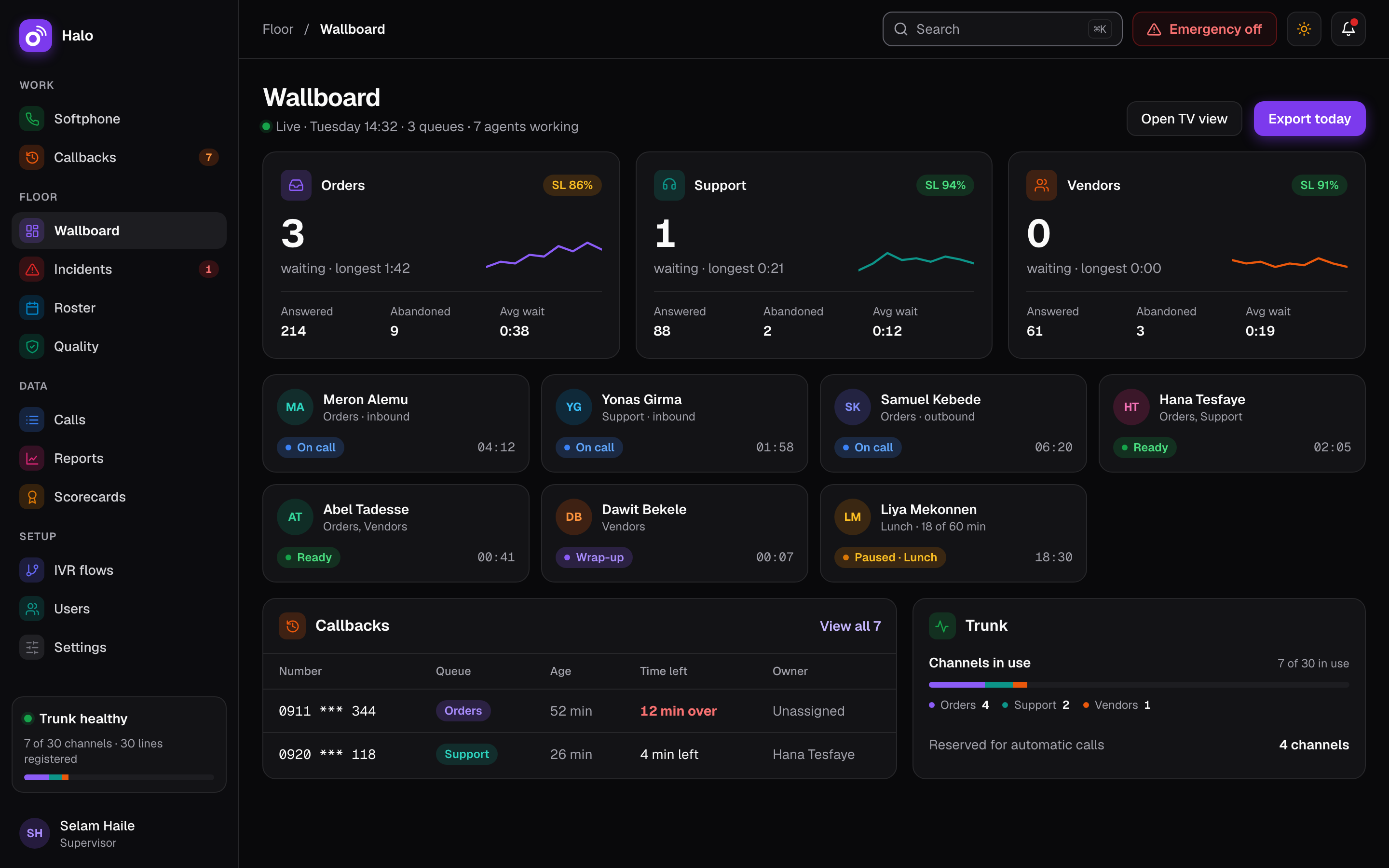
The wallboard is the supervisor's view of the floor. It shows the numbers that decide whether callers are answered, and it lets the supervisor step in on a call without leaving the desk.
The numbers that matter
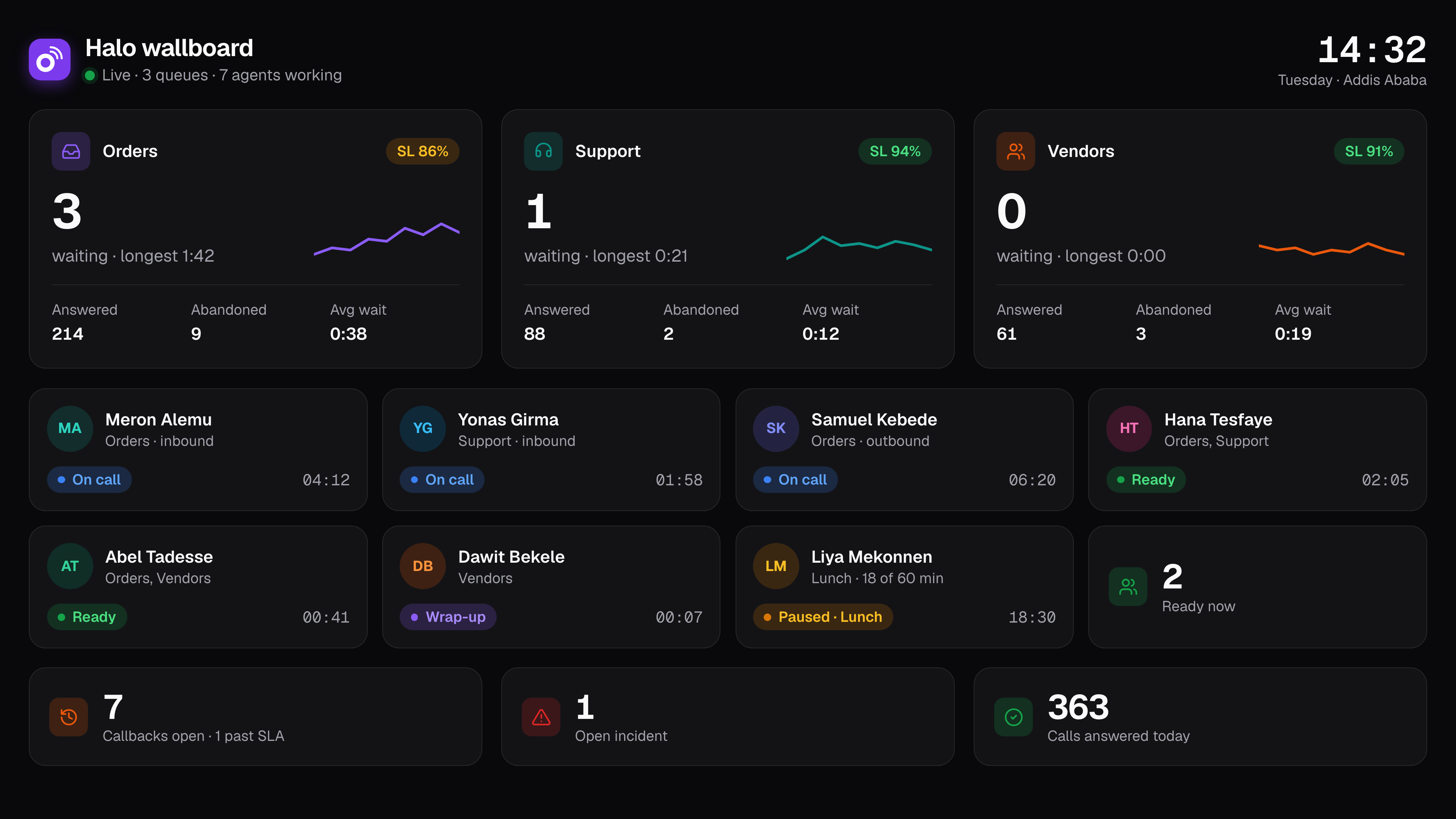
Callers waiting, the longest wait and the service level, on one screen the whole team can read.
One card per agent
Every agent has a card on the wallboard, so the supervisor can follow each agent without walking the floor.
Changes within 2 seconds
When a caller joins a queue or an agent picks up, the wallboard shows it within 2 seconds.
TV mode by link
Open the wallboard on a TV for the whole floor with a link. If the link is shared too widely, revoke it.
Listen, whisper and barge
Supervisors can listen to a live call, whisper to the agent without the caller hearing, or barge in and join the call.
Pause or log out an agent
If an agent leaves the desk while still logged in, the supervisor can force a pause or a log out, so calls go to agents who are there.
How it works on a busy day
At 08:30 the TV above the floor shows the wallboard in TV mode: no callers waiting and six agents ready. By 09:10 the “Support” queue shows 6 callers waiting, and the longest wait passes 3 minutes. The service level number starts to fall.
Liya Mekonnen, the supervisor, looks at the agent cards. Dawit Bekele has been on one call for a long time. She listens in, then whispers a suggestion that only Dawit hears. The call ends a minute later.
Another card shows an agent still logged in, but his chair is empty. Liya forces a pause, so the next caller goes to an agent who is at the desk. Within 2 seconds the wallboard shows the change.
By 09:40 the queue is back to 1 caller waiting. Nobody on the floor had to ask what was happening: the TV showed the same numbers Liya saw on her own screen.
Facts
| Update speed | Changes show within 2 seconds |
|---|---|
| Queue numbers | Callers waiting, longest wait, service level |
| Agents | One card per agent |
| TV mode | Opens by a link that can be revoked |
| Live calls | Listen, whisper and barge |
| Agent control | Force a pause or a log out |
| Listen-in lines | Free; they do not use a seat |
Questions about the call center wallboard
What does the wallboard show?
It shows callers waiting, the longest wait and the service level. Below that, every agent has a card. Together they tell a supervisor where the pressure is and which agents to look at first. The same view runs on the supervisor’s own screen and, in TV mode, on the floor.
How fast does the wallboard update?
Changes show on the wallboard within 2 seconds. When a caller joins a queue, hangs up or is answered, the supervisor sees it almost as it happens, and so does everyone watching the TV.
Can we show the wallboard on a TV?
Yes. TV mode opens by a link, so a TV or a spare screen on the floor can show the wallboard. The link can be revoked when it is no longer needed.
Can supervisors listen to live calls?
Yes. Supervisors can listen, whisper to the agent or barge into the call. Listen-in lines are free, so a supervisor who only listens does not need a paid seat.
Can we export the numbers?
Yes, through reports. Reports for queues, agents, dispositions and callbacks export to Excel or CSV with your logo. For monthly scores and bonuses, see shifts, KPIs and bonus.
Related features
Where this matters most: Health and pharmacy. See how Halo is priced on the pricing page.